Next Generation Maps in Power BI with Icon Map (with James Dales)

LIVESTREAM DATE/TIME 📅

May 1st, 2026 - 9:30AM (Pacific Time)

DESCRIPTION 📄

Power BI mapping has… historically been “fine” in the way a rental car with three warning lights is “fine.” In this session, James Dales (Microsoft Data Platform MVP, co-leader of the London Fabric & Power BI User Group, and creator of Icon Map) walks through what’s new in modern mapping for Power BI and why Icon Map has evolved into a premium visual.

We’ll cover:

  • Why Icon Map is now paid and what it delivers over legacy Icon Map and Azure Maps

  • Icon Map Pro vs Icon Map Slicer: what each one does and when to use them

  • The Icon Map Catalog and how it changes map-building workflows in Power BI

  • Best practices for building clearer, faster, more interactive geospatial reporting experiences

Whether you’re building operational dashboards, location intelligence reports, or real-time analytics, you’ll leave with practical guidance on how to level up your maps without making your report behave like a slideshow.

GUEST BIO 👤

Having previously led the Power BI and Microsoft Fabric capabilities at both UK and global level for a large multi-national Microsoft consultancy, in 2024 James co-founded an ambitious geospatial data company Tekantis, to focus on geospatial analytics and data products.

James is a Microsoft Data Platform MVP and is the co-leader of the London Fabric and Power BI user group. In 2019 he became the first member of the Power BI Contributors Program, working alongside the Microsoft engineering team to build new functionality into the Power BI product codebase. He has a keen interest in geospatial and real-time analytics and is the author of the Icon Map visuals for Power BI.
RELATED CONTENT 🔗

Icon Map Website
Icon Map LinkedIn
Jame's LinkedIn

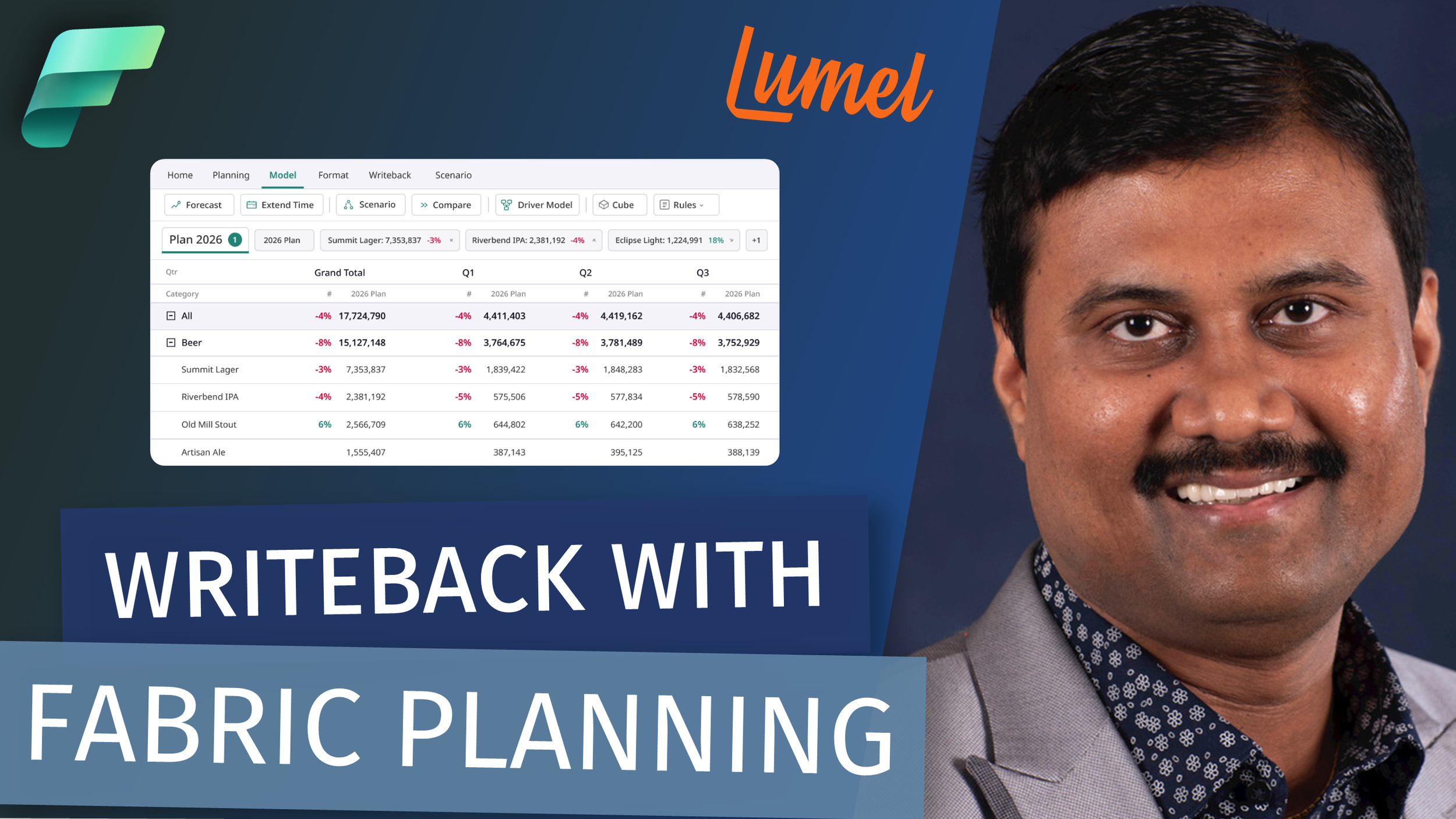
Writeback with Fabric Planning: What It Is, Why It Matters, and How to Get Started (with Gopal)

LIVESTREAM DATE/TIME 📅

April 17th, 2026 (9:30 AM - Pacific Time)

DESCRIPTION 📄

Writeback is one of the most requested capabilities in the Power BI community. It is now native in Microsoft Fabric with the newly announced Fabric Plan Item in Fabric IQ

In this session, Gopal Krishnamurthy and Reid Havens break down exactly how writeback works natively in Fabric Planning, including:

  • how business users can create report and enterprise planning apps on top of semantic models

  • how other stakeholders can collaborate and enter plan, forecast data

  • how those inputs are written back to Fabric SQL

  • how organizations can govern the data management process with PowerTable’s Live writeback and

  • how you can do variance commentaries and commentary writeback with intelligence sheets

Whether you're an FP&A or Ops team tired of budget spreadsheets or a BI developer who's been asked to build an enterprise planning solution, this session gives you the full picture - live, in Fabric.

GUEST BIO (Gopal Krishnamurthy)👤

Gopal Krishnamurthy is a data and analytics entrepreneur who has been building companies in the space since 2010. He made two career-defining bets: first, pivoting from SAP consulting to cloud data platforms (Snowflake, Databricks, Power BI) in 2017, which led to his consulting business being acquired by Atos in 2021. Second, betting that future enterprise applications would need to be built natively on top of cloud data platforms, which became the foundation for Lumel.

Today Lumel serves over 3,000 organizations with 400+ employees, is fully bootstrapped from the proceeds of that first exit, and is the #1 Microsoft Power BI AppSource Partner. The company is building a full-stack Enterprise Performance Management suite (planning, BI, and data management) natively on Microsoft Fabric, and was recognized as Best Overall Vendor for EPM by BPM Partners in 2025.

RELATED CONTENT 🔗

Lumel Planning
Fabric IQ + Planning

Your Core Model Isn't Supposed to Do Everything | Power BI Extensibility Layer Objects

Video by: Reid Havens

Here's something that trips up a lot of Power BI developers: not everything belongs in your core semantic model. Some objects are meant to live in a departmental layer. Some belong in a single report, knowing the difference changes how you build, and how well your architecture holds up over time.

In this video I walk through Power BI's extensibility layer objects: what they are, where each one belongs in your architecture, and when to actually use them.

RELATED CONTENT 🔗

Full Guide | Analytic Endeavors

Power BI Report-Scoped Measures: 6 Patterns for Better Reports

Video by: Reid Havens

Report-scoped measures (aka report-specific measures) are one of the easiest ways to level up a Power BI report without turning your semantic model into a junk drawer.

In this video, I walk through my Visual & Report-Scoped Measures guide and show the art of the possible. No deep DAX theory, no data engineering detours, just practical patterns you can steal immediately.

We’ll cover:

  • What “report-scoped” measures are (and when you should use them)

  • Six practical patterns for enhancing report UX with measures

  • Dynamic titles that respond to context

  • Conditional formatting driven by measures (so visuals explain themselves)

  • How to keep your model clean while still making reports more interactive and readable

If you build reports for humans (not just for your own amusement), this is a strong set of patterns to have in your toolkit.