
Video by: Reid Havens
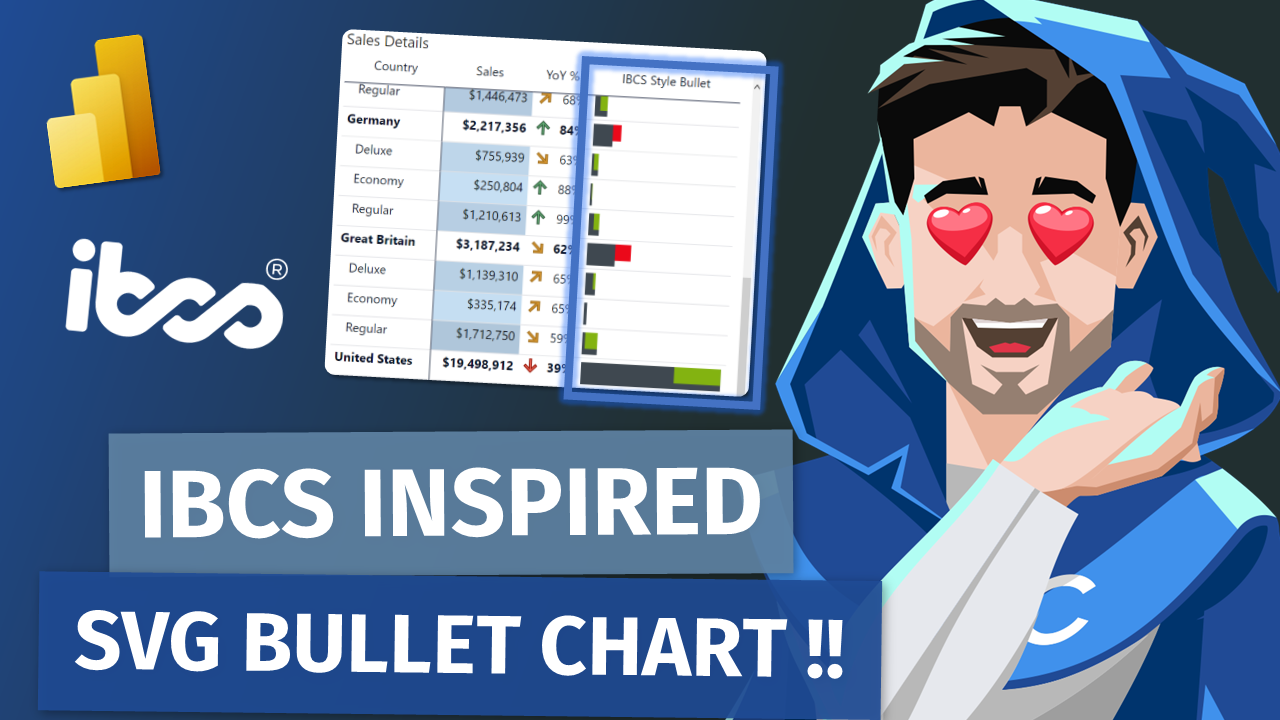
Learn how to utilize an SVG image template to add an IBCS (International Business Communication Standards) inspired bullet chart to your native matrix or table visuals in Power BI Desktop.
 Havens Consulting
Video by: Reid Havens
Learn how to utilize an SVG image template to add an IBCS (International Business Communication Standards) inspired bullet chart to your native matrix or table visuals in Power BI Desktop.
Video by: Reid Havens
Learn about a recent update to the native table and matrix visuals in Power BI that let you customize the pixel height and width of the image view box. This addition has drastically increased the usability of SVG images to create many different types of vertical charts, KPIs, and other visualizations right inside of table visuals. Tune in to learn more!
Everyone is familiar with the NASA countdown. T-minus-10, 9, 8... Anyone who has ever built a Power BI report knows how to publish that report. But ground control has a lot of work to do after liftoff. And a Power BI pro's work does not stop after they hit the 'Publish' button. The name for that work is operations. As Power BI matures, it is critical that we spend time and effort on operations. This work comprises monitoring, maintenance, user support, ongoing development, and change management among other things. Let's kick start the conversation around Power BI operations:
• What to do
• Out of the box features
• Tools you can build and buy to support operations in your organization
He slices! He dices! When it comes to Power BI, Greg Baldini does it all, and he is here to show you how to, too!
Co-founder of Argus PBI, Greg has a decade of experience with DAX, Tabular, and the Power BI family of tools. His career has been spent in solving hard problems for clients and seeking deep understanding of the fundamentals of data analysis.
The reality is folks need / want their data in Excel at some point. While Power BI reduces that need, it still exists. Wyn’s demos will show how to connect using various approaches including a trick to create a connected table with the help of “create formatted table” feature of Power BI, and the largely unknown Featured Table option.
Wyn Hopkins is a Microsoft MVP, trainer, consultant and author of the book “Power BI for the Excel Analyst”
Based in Perth, Western Australia, Wyn is the director of the Power BI and Excel consulting firm “Access Analytic”. Their YouTube channel has 40,000+ subscribers and he co-runs the Perth Power BI and Modern Excel meetup group. Once upon a time Wyn was a chartered Accountant with PriceWaterhouseCoopers but Wyn and team now spend their time delivering Power BI and Excel training along with reporting solutions for clients of all industries and sizes. Wyn’s claim to fame is that he suggested and campaigned for the creation of the XLOOKUP function.
Wyn's Book & Website
Wyn's Company Website
Wyn's Social Media Links

Signup for our mailing list to gain access to Power BI files and templates from the videos. You’ll receive a welcome email with a link and password to the Blog Files page.

Reid Havens’ early love affair with analytics has, over the past decade, turned into an evolution into data visualization and report design in Power BI.
Since then Reid has been writing articles and creating YouTube videos to share the word of BI, helping to inspire the next generation of Business Intelligence enthusiasts.