Building Your First Calendar Table in Power BI!

Video by: Reid Havens

Get a complete step-by-step guide to building out a dedicated calendar table and independent date hierarchy (using DAX) in Power BI. Tune in to learn more!

RELATED CONTENT 🔗

Date Hierarchy Types
DAX Vs. Power Query Date Table
Power Query Dynamic Date Range

Download Report From The Blog Files Page

(Livestream Replay) Quality Checks on Your Power BI Reports - with Megan Longoria

There are always small tweaks we can make in our Power BI reports to improve them. But how do we know when they are "good enough"? We'll talk about what's on Meagan's list for evaluating Power BI report designs to ensure they are ready for use! This includes making sure the charts match their intended message, checking the visual hierarchy within a page, evaluating visual components for good visual design practices, and testing accessibility. We'll look at some of the items on the list and see how a few small tweaks can significantly improve the usability of a report.

GUEST BIO 👤

Meagan Longoria is a consultant with Denny Cherry & Associates Consulting and a Microsoft Data Platform MVP. She currently lives in the Denver, Colorado area. Meagan spends a lot of time thinking about how to use data integration and data visualization techniques to make data useful for people. She enjoys sharing her knowledge and experiences at conferences and user group meetings as well as through her blog (DataSavvy.me).

RELATED CONTENT 🔗

Megan’s Twitter
Meagan’s Blog
Meagan’s LinkedIn
Workout Wednesday for Power BI

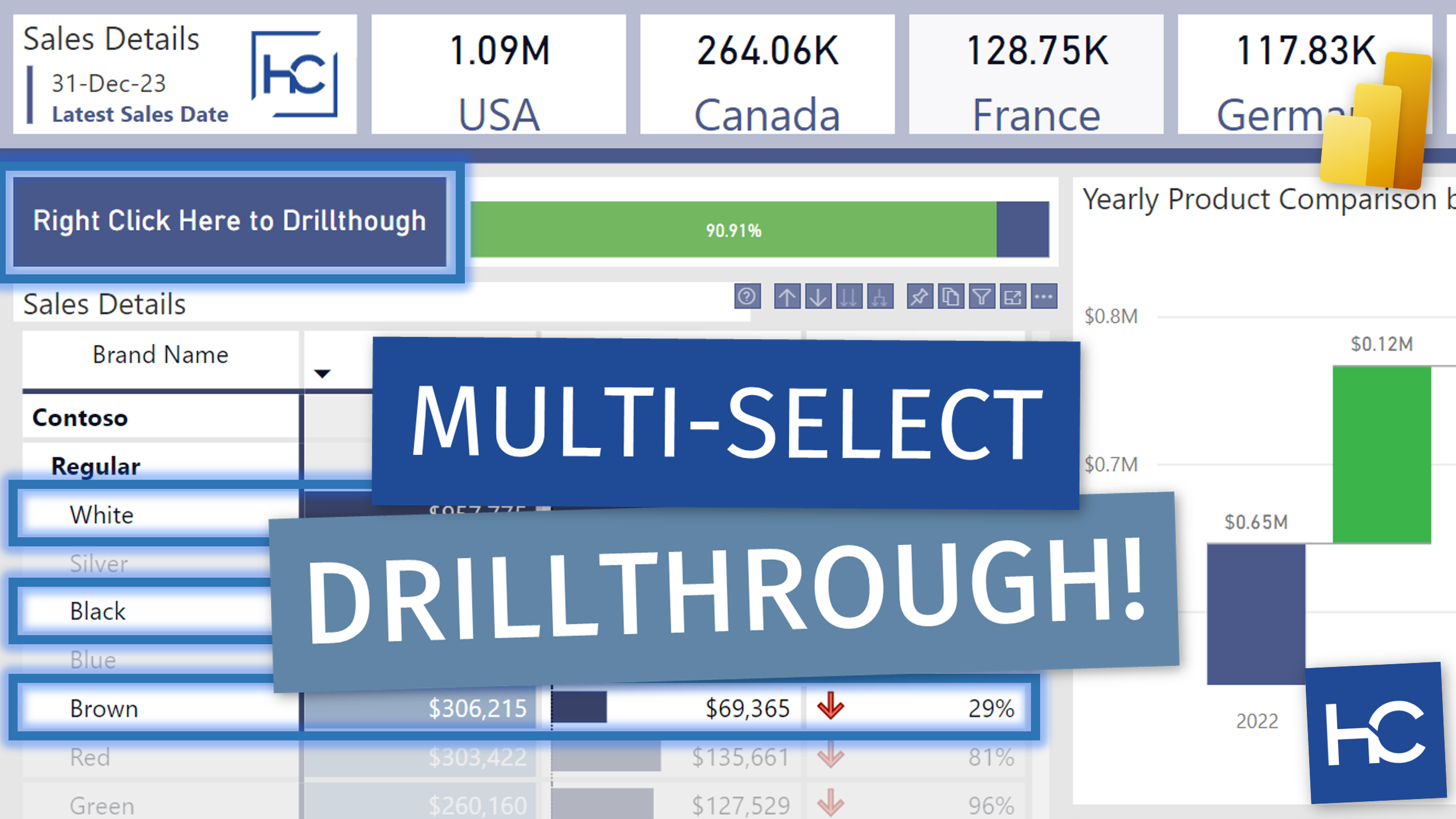
Create a Multi-Selection Drillthrough "Button" in Power BI

Video by: Reid Havens

Learn how to create a "button" with right-click Drillthrough functionality using single value cards in Power BI. This works great when selecting multiple rows from a matrix table, or multiple selections from other visuals.

RELATED CONTENT 🔗

Power BI Drill Through using Multiple Data Points

Download Report From The Blog Files Page

(Livestream Replay) The Future of Power BI! - with Mohammad Ali

Join Power BI Desktop's global program manager (Mohammad Ali) as we get insights and forecasts all about the future of Power BI desktop, the platform, and maybe even discover some surprises along the way. Tune in to find out!

GUEST BIO 👤

Mohammad Ali is a GPM in the Power BI team leading the authoring and consumption experiences. His team also drives the one office alignment to fulfill the vision of making Power BI the PowerPoint for data.

RELATED CONTENT 🔗

Mohammad’s Twitter