(Livestream Replay) The Skills Your Power BI Team Needs to Succeed - with Ed Hansberry

What does it mean to implement Power BI in your organization? Who is on the Power BI Team, and what skills do they need? This goes beyond report authoring. It is an organizational initiative!

GUEST BIO 👤

My background is as a CPA and have spent most of my career in financial and accounting related positions. I am an experienced Controller with a demonstrated history of working in the consumer goods industry. Skilled in Budgeting, Operations Management, Consumer Products, Business Development, and Strategic Planning. I have a Microsoft Certification using Power BI (MCSA BI Reporting), and am technically proficient with in Microsoft Power BI tools using Data Analysis Expressions (DAX), data modeling, Power Query/M Language, Power Pivot, DAX Studio, and Microsoft Excel. Strong accounting professional with a Bachelor of Arts (B.A.) focused in Accounting and Business/Management from Lipscomb University.
RELATED CONTENT 🔗

Ed's Blog
Ed's LinkedIn
Ed's Twitter

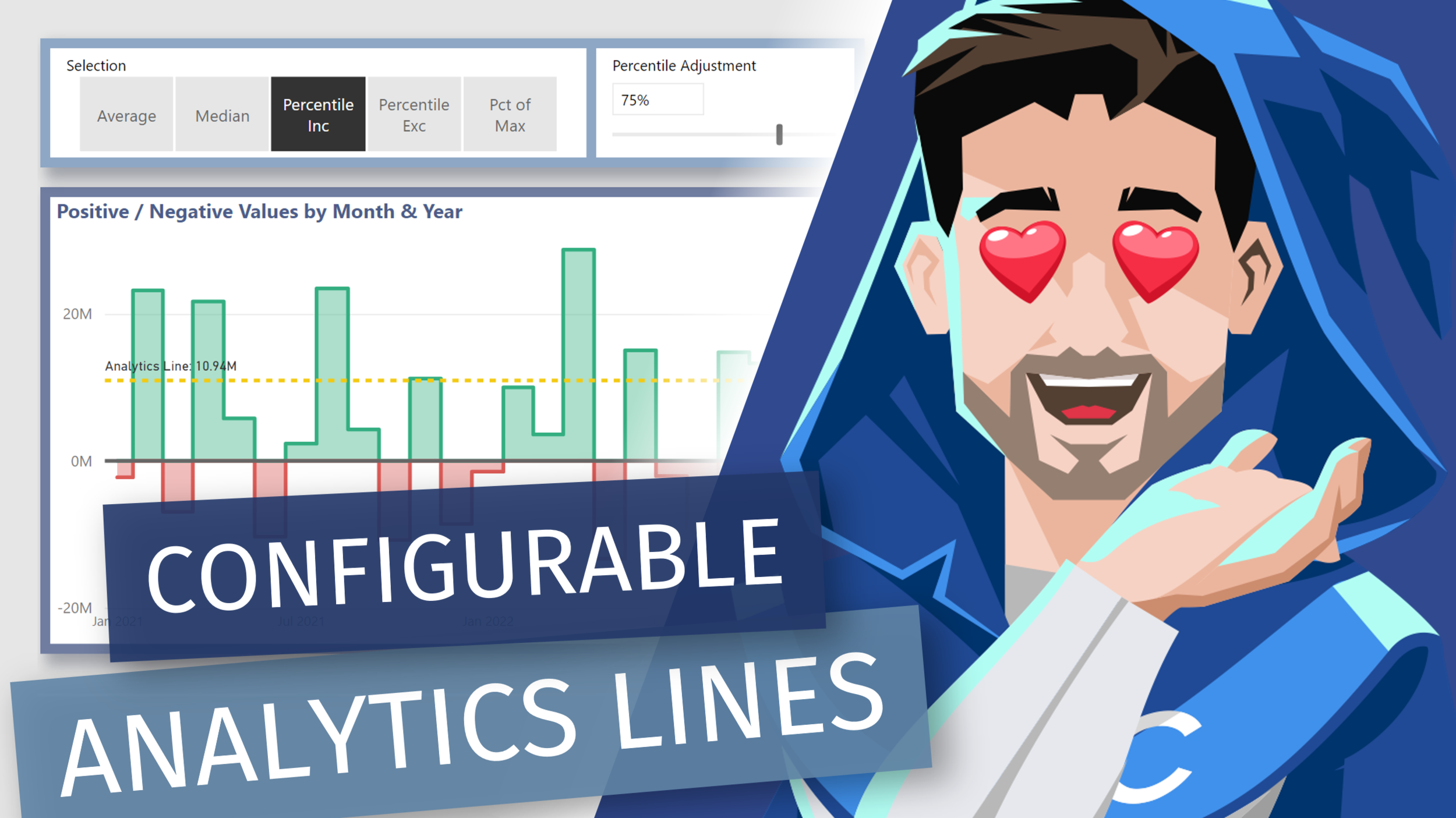
Adding Dynamic [DAX] Analytics Lines to Native Visuals in Power BI

Video by: Reid Havens

Learn how to add [DAX] measure driven values the y-axis constant lines. Allow us to essentially recreate multiple analytics lines that can be configurable by user slicer selections in Power BI.

RELATED CONTENT 🔗

Positive/Negative Line Colors

Download Report From The Blog Files Page

Creating Date (Calendar) Hierarchy Columns in Power Query

Video by: Reid Havens

Part two of two of my videos on creating a Power Query Calendar Table. In this video we’ll see how to create the necessary date columns needed for dependent and independent hierarchies.

RELATED CONTENT 🔗

Part 1: Creating a Dynamic Range Calendar Table in Power Query

Download Report From The Blog Files Page
Posted on October 5, 2021 and filed under Power BI, Intermediate, Power Query.

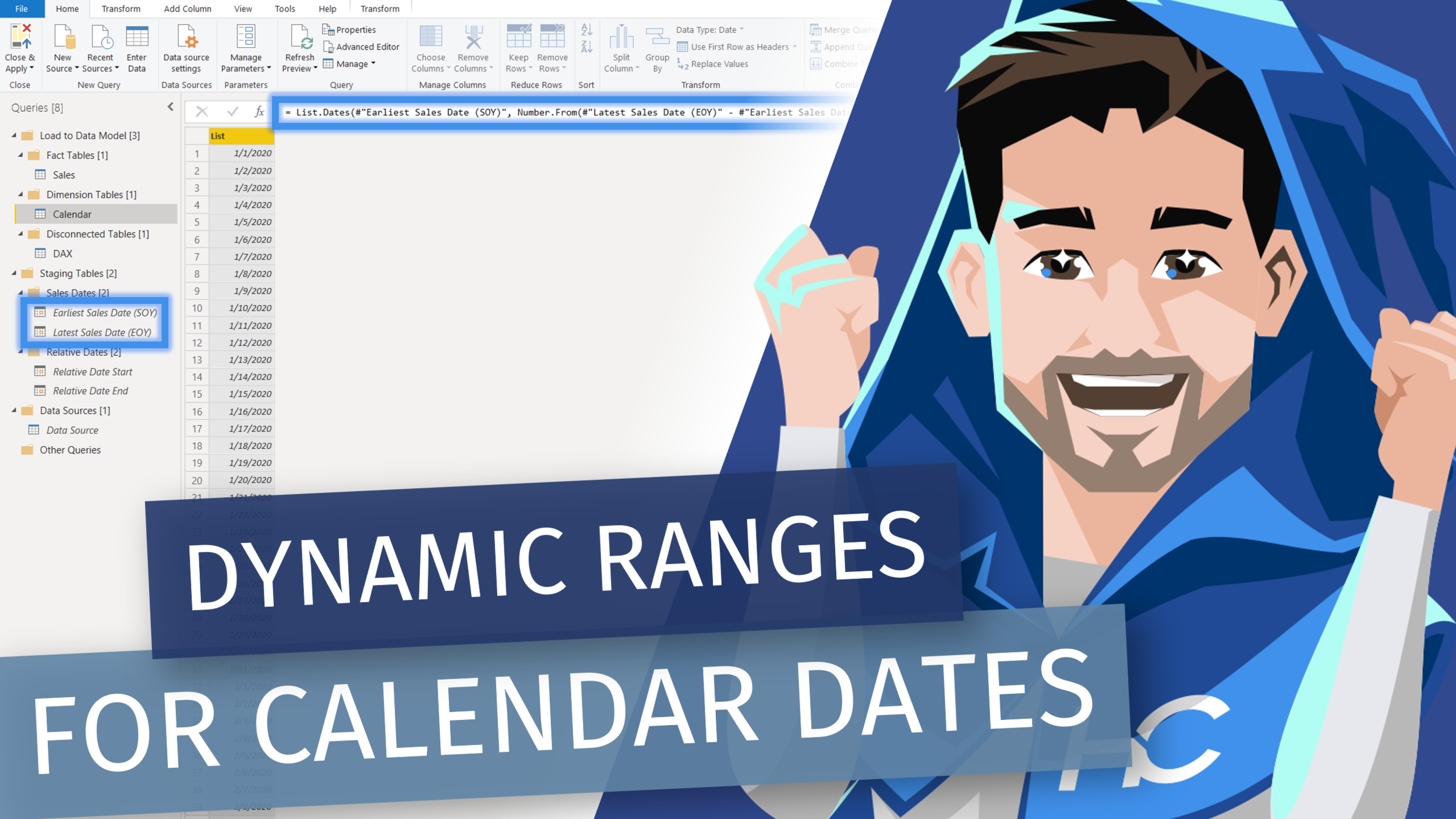
Creating a Dynamic Calendar Date Range in Power Query

Video by: Reid Havens

Part one of two of my videos on creating a Power Query Calendar Table. In this video we’ll see two methods for creating either a dynamic or relative date range for a calendar table created in the Power Query Editor.

RELATED CONTENT 🔗

Part Two: Creating a Dynamic Range Calendar Table in Power Query

Download Report From The Blog Files Page
Posted on September 28, 2021 and filed under Power BI, Intermediate, Power Query.