Calculating the Top Name & Value Using [DAX] in Power BI

Video by: Reid Havens

Learn how to leverage a long standing DAX pattern to calculate the top performing name/category and it's corresponding value using DAX measures in Power BI. Plus also see how to optimize the code using DAX Studio.

RELATED CONTENT 🔗

DAX Function (TOPN)
DAX Function (FIRSTNONBLANK)
Optimizing DAX Video Course

Download Report From The Blog Files Page

(Livestream Replay) Implementing Proper Version Control in Power BI! - with Steve Campbell

In this session, we will explore different techniques for version control in Power BI. This is an important concept in software development, often overlooked by business users. We will explore options for different size models, thin report files and advantages of different techniques.

  • What is git, DevOps and version control?

  • Learn how multiple users can work on shared files

  • Learn how to safely edit files, see versions and changes or roll back changes if something goes wrong

  • Explore Microsoft recommendations, different options and their pros, cons and price

GUEST BIO (STEVE CAMPBELL) 📄

For my job, I lead the Power BI team for Cognizant MBG in the UK. Outside of this I love to blog on PowerBI.tips, present at conferences and webinars, and co-run the Brew City Power Platform user group. I love learning about data and sharing what I’ve learned. I also used to teach Power BI at the university in Milwaukee. I’m a Data Platform MVP and an MCT (Microsoft Certified Trainer) – it’s a fantastic community and I recommend being a part of it!

RELATED CONTENT 🔗

Steve’s LinkedIn
Steve’s Blog
User Group

Creating a Composite Model Against a Power BI Dataset

Video by: Reid Havens

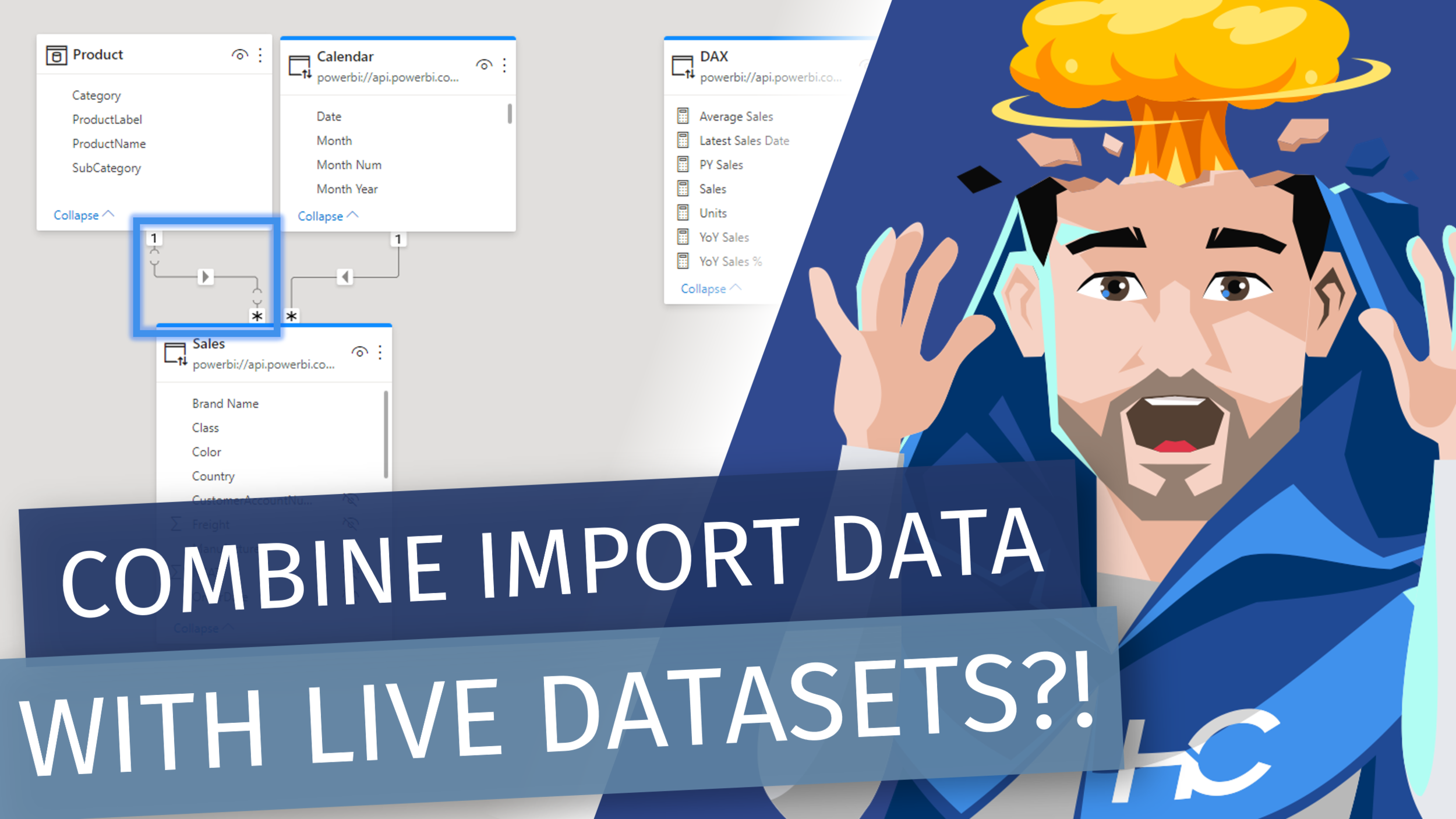
Learn how to create a composite model against a Power BI dataset, also known as (DirectQuery for Power BI datasets and Azure Analysis Services) or DQFPBIDAAS for short. 😅

Composite Models against a Power BI Dataset allows you to import tables from other data sources and combine it with your Power BI dataset.

RELATED CONTENT 🔗

Splitting a Report & Model
DirectQuery for Power BI datasets and Azure Analysis Services

Download Report From The Blog Files Page

(Livestream Replay) Semantics of DAX Queries & Caveats to Composite Models - with Jeffrey Wang

The popularity of Power BI has increased dramatically in the past few years. I am seeing an increasing number of enterprise customers who built complex composite models combining import tables with DirectQuery tables. Many users have asked questions on how DAX queries and measures are translated into remote SQL/MDX/DAX queries. To the surprise of a lot of people who have a SQL background, the semantics of DAX queries is very different from that of SQL queries even though both are used to produce the right data for the same visualizations. I am going to explain why the semantics of DAX queries poses unique challenges to DAX engine and how the latter employs myriads of optimizations to deliver good query performance in common scenarios. I am also going to explain how the semantics of DAX queries complicates query generations for composite models, demonstrate some of the issues most frequently encountered by the composite model users, and describe design principles to avoid the pitfalls.

GUEST BIO 📄

Jeffrey joined Microsoft SQL Server Analysis Services team in 2004 and contributed to the revolutionary transformation of Microsoft BI from multi-dimensional model and MDX language to tabular model and DAX language. He was one of the inventors of the DAX programming language in 2009 and have been driving the evolution of the DAX language ever since. Currently he is an engineering manager focusing on the development of DAX engine, query optimizer, DirectQuery, composite models, etc. Right now his team is putting the finishing touches on the GA of DirectQuery to PowerBI datasets.

RELATED CONTENT 🔗

Website
Blog
Power Query's Twitter
Miguel's Twitter