
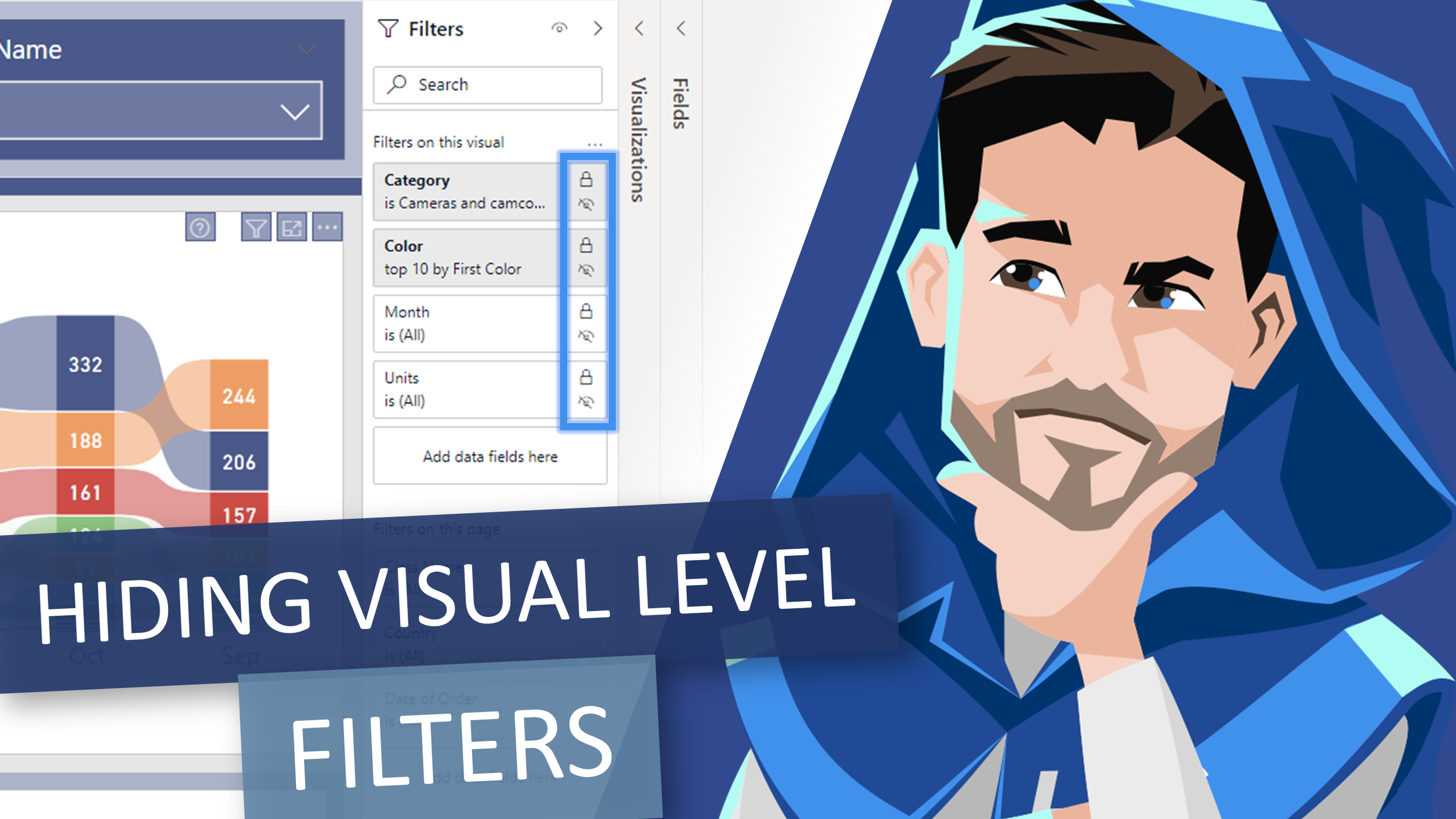
Video by: Reid Havens
Learn how to configure the filters pane to enforce that report consumers only use either page or report level filters.
 Havens Consulting
Video by: Reid Havens
Learn how to configure the filters pane to enforce that report consumers only use either page or report level filters.
Hang out with us as my friend and colleague Mike Carlo and I discuss enterprise grade templates.
Power BI is more than a visualization tool, it is a framework. As a Power BI developer, we need to build reports quickly, efficiently and with a consistent look and feel. In my recently consulting gigs I’ve been working with companies to develop Enterprise Power BI templates. This session addresses the needs for templates. Provides guidelines and best practices on how to create an effective template.
Video by: Reid Havens
Learn how to create slider toggles using the native button objects in Power BI Desktop. No custom images required, just a bit of clever formatting magic!
Hang out with us as Marco Russo and I go through DAX and modeling best practices related to: relationships, bi-directional filtering, and more! The livestream will be split into sections for a lively discussion on the topic, demo, and time for Q&A at the end.

Signup for our mailing list to gain access to Power BI files and templates from the videos. You’ll receive a welcome email with a link and password to the Blog Files page.

Reid Havens’ early love affair with analytics has, over the past decade, turned into an evolution into data visualization and report design in Power BI.
Since then Reid has been writing articles and creating YouTube videos to share the word of BI, helping to inspire the next generation of Business Intelligence enthusiasts.


