Video by: Reid Havens
Learn how to leverage DAX Calculated Columns to create dynamic time period names - that can then be used in the columns well of a matrix table to create dynamic column header names.
 Havens Consulting
Video by: Reid Havens
Learn how to leverage DAX Calculated Columns to create dynamic time period names - that can then be used in the columns well of a matrix table to create dynamic column header names.
Video by: Reid Havens
Learn about the automatic anomaly detection feature for line charts. This feature can be enabled from the analytics pane for line visuals in Power BI desktop.
Check out our Google Analytics Report where this feature is showcased!
Video by: Reid Havens
Learn how to leverage Tabular Editor automation to easily format all the DAX measures in your Power BI (PBIX) model. Two versions of the format code is provided below. For developers using version 2.13 or later. There is a faster and more secure function in Tabular Editor to use now. For people running the earlier versions of Tabular Editor, the previous function (show in the video) is still provided. It is recommended though to download and use TE 2.13 or later for best results.
Model.AllMeasures.FormatDax();foreach (var m in Model.AllMeasures) { m.Expression = FormatDax(m.Expression); }Tabular Editor Format DAX Functions
Show DAX Measures in Description Tooltip
PowerBI.tips Business Ops
Video by: Reid Havens
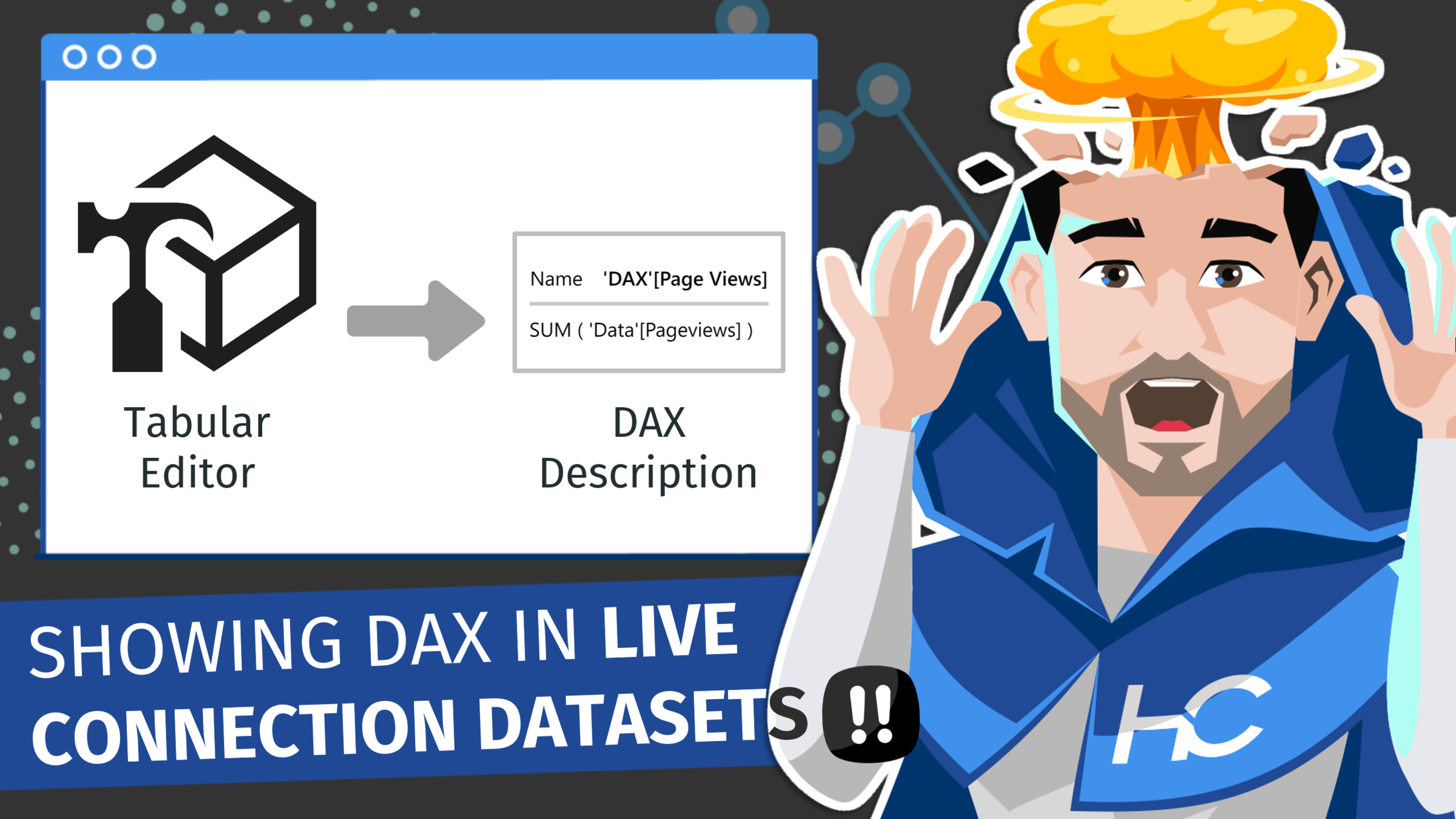
Learn how to display DAX expressions in the description tooltip - when hovering over the measure in the fields list. This can be applied to all measures easily and effortlessly using Tabular Editor.
External Tool - Tabular Editor
foreach (var m in Model.AllMeasures) { m.Description = m.Expression; } 
Signup for our mailing list to gain access to Power BI files and templates from the videos. You’ll receive a welcome email with a link and password to the Blog Files page.

Reid Havens’ early love affair with analytics has, over the past decade, turned into an evolution into data visualization and report design in Power BI.
Since then Reid has been writing articles and creating YouTube videos to share the word of BI, helping to inspire the next generation of Business Intelligence enthusiasts.