
Video by: Reid Havens
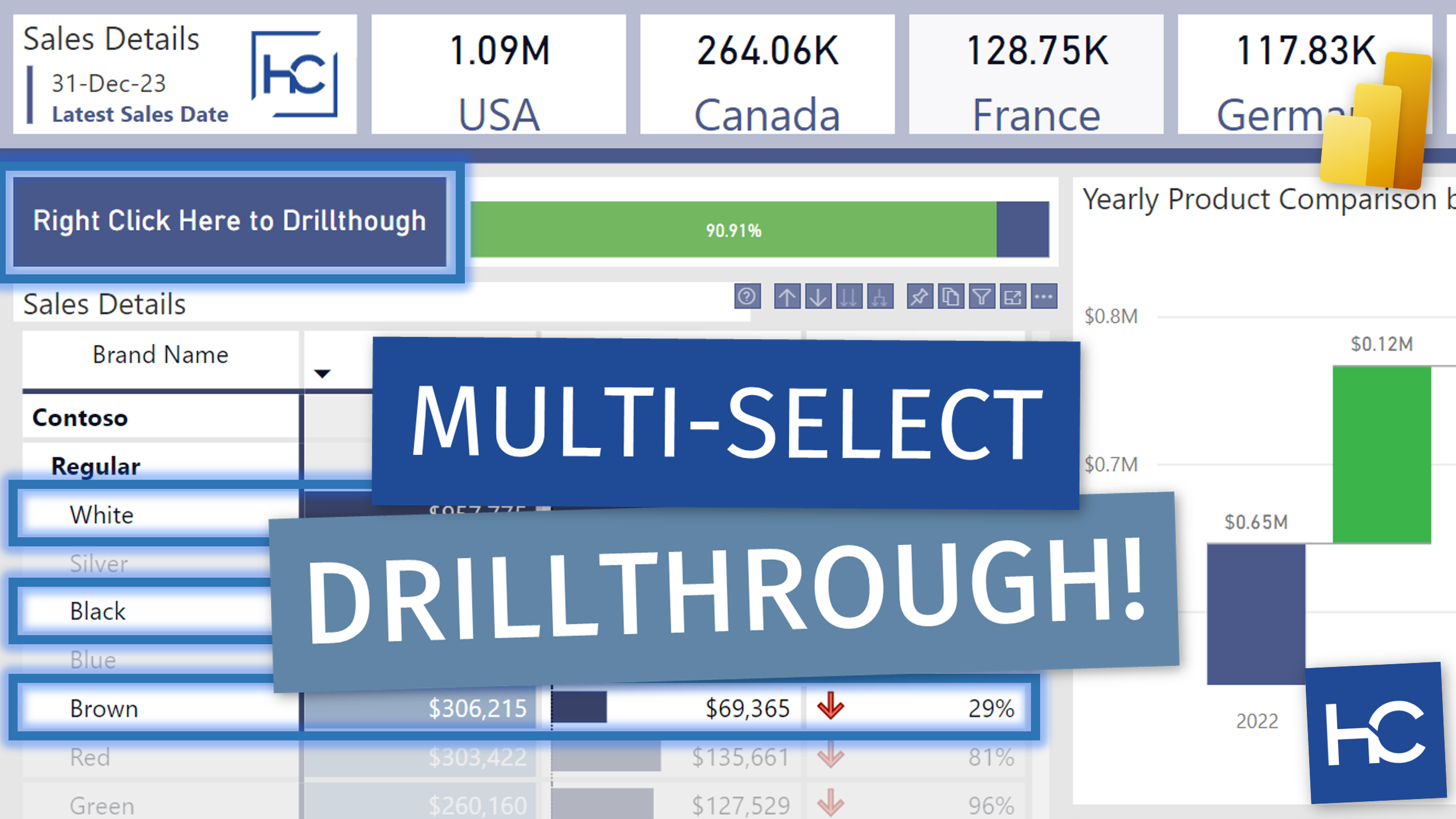
Learn how to create a "button" with right-click Drillthrough functionality using single value cards in Power BI. This works great when selecting multiple rows from a matrix table, or multiple selections from other visuals.
 Havens Consulting
Video by: Reid Havens
Learn how to create a "button" with right-click Drillthrough functionality using single value cards in Power BI. This works great when selecting multiple rows from a matrix table, or multiple selections from other visuals.
Video by: Reid Havens
I've improved my time intelligence slicer based on some feedback about a DAX error related to blank dates being evaluated. In this video we'll see how to avoid that plus also prevent any circular dependency errors as well!
Part 1: Creating MTD/QTD/YTD Filters
Part 2: Applying USERELATIONSHIP Function
Part 3: Additional Date Periods
Part 4: Fiscal Periods
Video by: Reid Havens
Learn how to combine a Time Intelligence table with a matrix visual to propagate date filters through a Drillthrough action in Power BI.
Part 1: Creating MTD/QTD/YTD Filters
Part 2: Applying USERELATIONSHIP Function
Part 3: Additional Date Periods
Part 4: Fiscal Periods
Video by: Reid Havens
Learn how to leverage a bit of bookmark magic to clear/reset slicer selections on a drillthrough page. Even when those slicers have no association with any of the drillthrough filters.

Signup for our mailing list to gain access to Power BI files and templates from the videos. You’ll receive a welcome email with a link and password to the Blog Files page.

Reid Havens’ early love affair with analytics has, over the past decade, turned into an evolution into data visualization and report design in Power BI.
Since then Reid has been writing articles and creating YouTube videos to share the word of BI, helping to inspire the next generation of Business Intelligence enthusiasts.


