Posts filed under Power BI

(Livestream Replay) NEW FEATURE for Power BI Side Tools - a DAX Template Generator for Your Reports - with Didier Terrien

Store your favorite DAX expressions into repositories. Share some of them with colleagues or with the community. Find new ones shared by experts and adapt them to your own model in less than one minute. You may even format your DAX, create expressions into your model, and then debug it with the integrated debugger.

DIDIER’S BIO 📄

I worked with data for almost 4 decades in various environments as a developer and project manager. Heavy user of Excel for a long time, I try to move data as much as possible to Power BI since it appeared on the market. Working now as the Group Data Quality Officer in Trescal, my skills cover business and IT areas for the benefit of productivity and quality.

RELATED CONTENT 🔗

Didier's Website
DAX Generator
Sidetools Site
Sidetools Support
Didier's Linkedin
Didier's Twitter

Posted on November 9, 2021 and filed under External Tools, Power BI, Livestreams, Topics & Discussion, Intermediate.

(Livestream Replay) The Possibilities with Power BI & Excel Integration - with Chris Webb

Once you have built a Power BI dataset there are several options for displaying the data in it: classic Power BI reports, paginated reports and Excel. This session is all about the third option, Excel. You’ll learn how to connect Excel to a Power BI dataset and use PivotTables, Excel cube functions and the new Excel data types to build reports. You’ll also get a sneak preview of upcoming functionality which allows your Power BI-connected Excel reports to work in the browser and not just in Excel on the desktop.

GUEST BIO 👤

Chris Webb works on the Power BI CAT team at Microsoft. He has been using Microsoft BI tools for over 20 years, speaks regularly at user groups and conferences and has written several books on Analysis Services and Power Query.

RELATED CONTENT 🔗

Chris's Blog
Chris's Twitter

Posted on November 5, 2021 and filed under Livestreams, Excel, Power BI, Power BI Service.

Adding Custom (SVG) Icon Hover Effects in a Single Button!

Video by: Reid Havens

With the addition of new button features and formatting options you can now implement custom (SVG) icons inside of a single button! Plus the custom icon can be unique for each button state (default, hover, and press), allowing for so many options to customize and design your buttons.

RELATED CONTENT 🔗

How to Power BI Button Effects

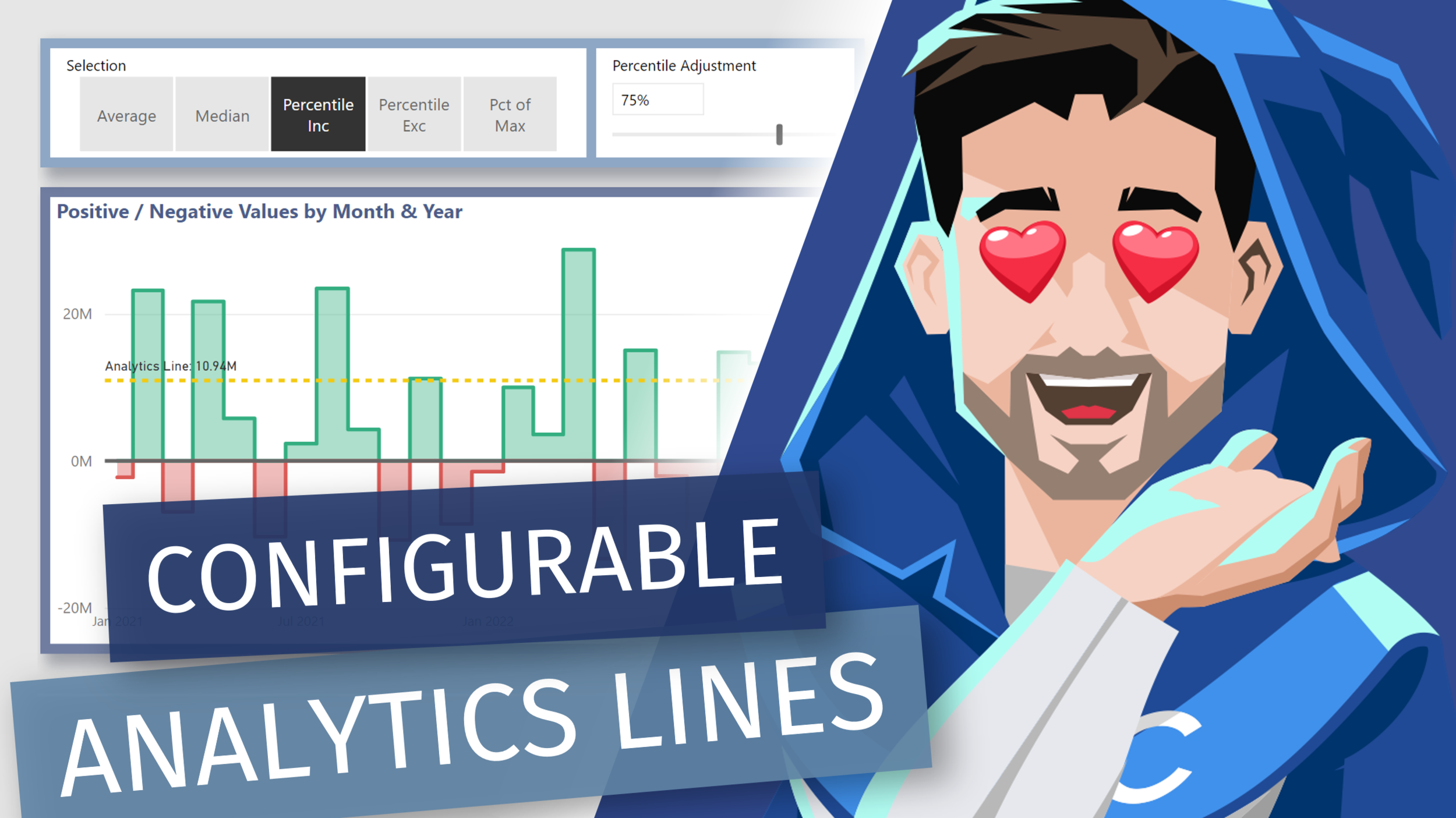
Adding Dynamic [DAX] Analytics Lines to Native Visuals in Power BI

Video by: Reid Havens

Learn how to add [DAX] measure driven values the y-axis constant lines. Allow us to essentially recreate multiple analytics lines that can be configurable by user slicer selections in Power BI.

RELATED CONTENT 🔗

Positive/Negative Line Colors