
Posts filed under Power BI

(Livestream Replay) The Possibilities with Power BI & Excel Integration - with Chris Webb

Once you have built a Power BI dataset there are several options for displaying the data in it: classic Power BI reports, paginated reports and Excel. This session is all about the third option, Excel. You’ll learn how to connect Excel to a Power BI dataset and use PivotTables, Excel cube functions and the new Excel data types to build reports. You’ll also get a sneak preview of upcoming functionality which allows your Power BI-connected Excel reports to work in the browser and not just in Excel on the desktop.

GUEST BIO 👤

Chris Webb works on the Power BI CAT team at Microsoft. He has been using Microsoft BI tools for over 20 years, speaks regularly at user groups and conferences and has written several books on Analysis Services and Power Query.

RELATED CONTENT 🔗

Chris's Blog
Chris's Twitter

Posted on November 5, 2021 and filed under Livestreams, Excel, Power BI, Power BI Service.

Adding Custom (SVG) Icon Hover Effects in a Single Button!

Video by: Reid Havens

With the addition of new button features and formatting options you can now implement custom (SVG) icons inside of a single button! Plus the custom icon can be unique for each button state (default, hover, and press), allowing for so many options to customize and design your buttons.

RELATED CONTENT 🔗

How to Power BI Button Effects

Download Report From The Blog Files Page

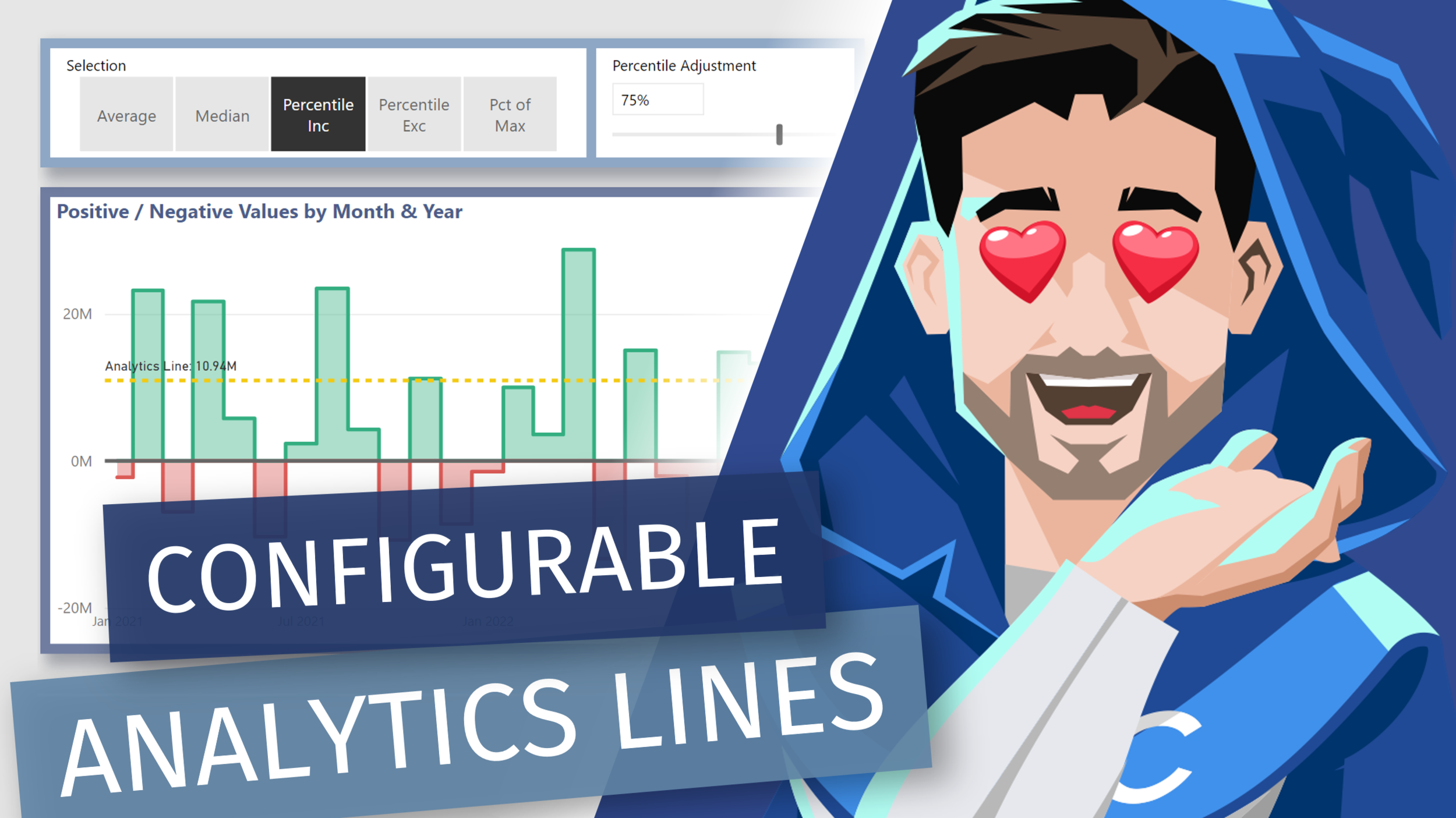
Adding Dynamic [DAX] Analytics Lines to Native Visuals in Power BI

Video by: Reid Havens

Learn how to add [DAX] measure driven values the y-axis constant lines. Allow us to essentially recreate multiple analytics lines that can be configurable by user slicer selections in Power BI.

RELATED CONTENT 🔗

Positive/Negative Line Colors

Download Report From The Blog Files Page

Creating Date (Calendar) Hierarchy Columns in Power Query

Video by: Reid Havens

Part two of two of my videos on creating a Power Query Calendar Table. In this video we’ll see how to create the necessary date columns needed for dependent and independent hierarchies.

RELATED CONTENT 🔗

Part 1: Creating a Dynamic Range Calendar Table in Power Query

Download Report From The Blog Files Page
Posted on October 5, 2021 and filed under Power BI, Intermediate, Power Query.