Video by: Reid Havens
Learn how to add page and visualization backgrounds to add a touch of visual flare to your reports!
For other great reporting techniques check out my video:
 Havens Consulting
Video by: Reid Havens
Learn how to add page and visualization backgrounds to add a touch of visual flare to your reports!
For other great reporting techniques check out my video:
Video by: Reid Havens
A common pain point when building data models is how to organize your DAX Measures.
Learn a great way to organize your DAX measures by creating a table to place them in using a semi-hidden feature in Power BI or Excel.
Video by: Reid Havens
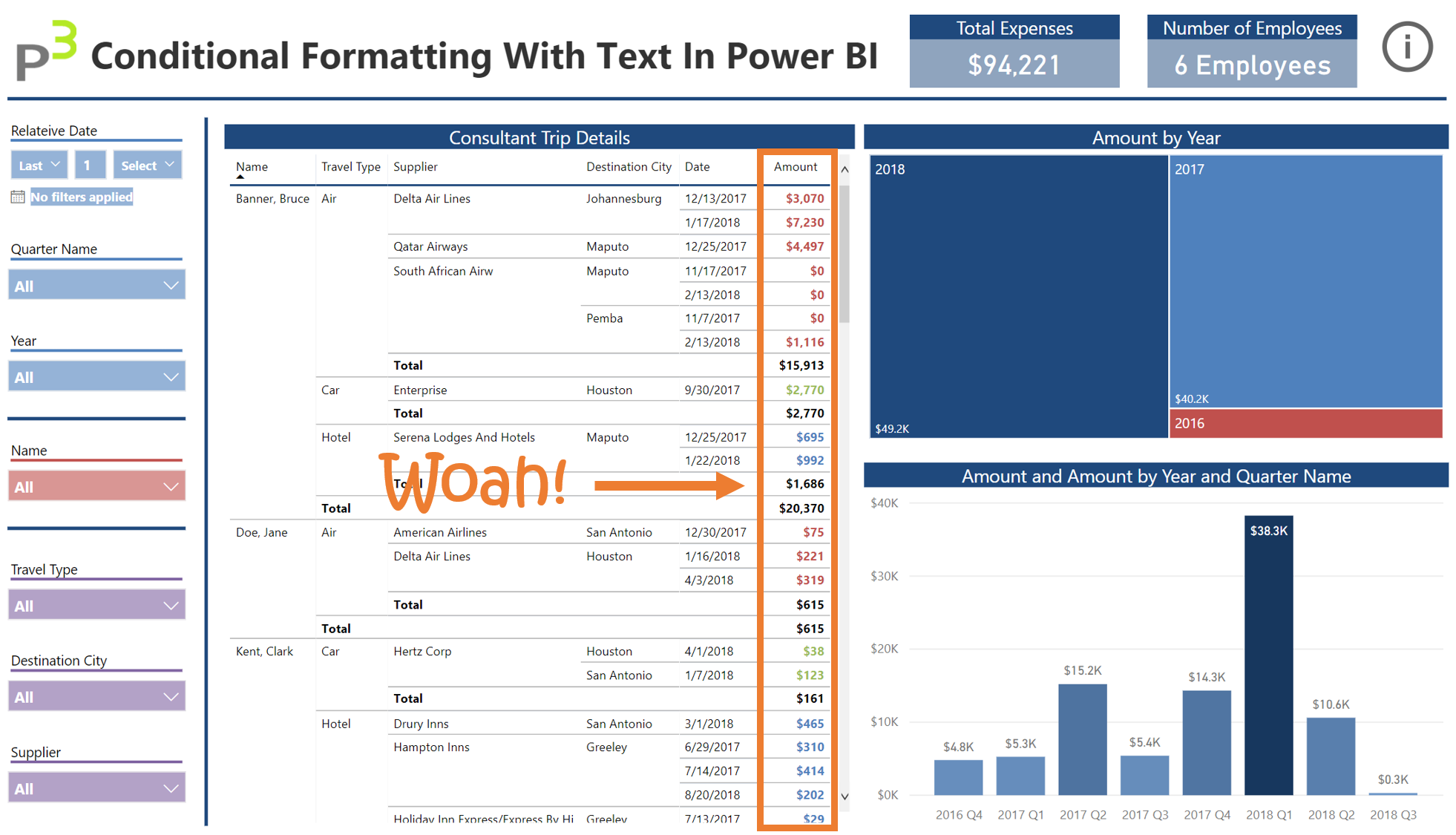
Today’s topic covers how to apply Conditional Formatting using text in Power BI Desktop. Conditional Formatting recently got a feature update, that allows you to apply color formatting rules based on ANY DAX Measure. I recently encountered a business scenario that had me play around with this feature a bit, and I came up with a clever way to use this for a client. I’ve included below the embedded Power BI report, download link to the .pbix file, and links to other articles explaining the various features & design techniques I’ve applied in this report. Otherwise, enjoy the video!
Article by: Reid Havens
Hello again P3 Nation! I’m SUPER excited today to talk about an updated feature in Power BI Desktop. This month had a bunch of updates, all of which are pretty great. Some of my favorites are that bookmarks are now out of preview, among others. In fact, that full list of updates can be found here.
What I’d like to talk about, however…was my FAVORITE new feature in months. What I’m talking about, is the newest (and AWESOMESAUCE) addition to Tooltips. Now, Tooltips have been around for a few years in PBI Desktop. However, they legitimately changed everything about Tooltips. It’s better, faster, stronger, cooler. Trust me when I say you’ll be amazed at what they can do now.


Signup for our mailing list to gain access to Power BI files and templates from the videos. You’ll receive a welcome email with a link and password to the Blog Files page.

Reid Havens’ early love affair with analytics has, over the past decade, turned into an evolution into data visualization and report design in Power BI.
Since then Reid has been writing articles and creating YouTube videos to share the word of BI, helping to inspire the next generation of Business Intelligence enthusiasts.