DAX.do is an online service to play with DAX using just a web browser. DAX.do is mainly a learning tool, but it is also a way to share DAX code and quickly test a DAX expression with a standard sample model (Contoso). If you have any questions about DAX.do, or want to know more about why it exists and the architecture behind it, join this live session with Marco Russo, one of the DAX.do authors. In preparation for the live event, you can also watch the DAX.do โ Behind the scenes video at the link below!
Relationship Issues With DateTime Data Types in Power BI
Video by: Reid Havens
Learn about a potential pain point when it comes to dealing with DateTime data in a fact table. You can potentially encounter an issue when joining your fact to a calendar table. Specifically if you import a Fact table into your model with a datetime column, and convert that column to a date data type in the model, instead of in Power Query. If you do this then that relationship still won't work until you make that change in Power Query.
RELATED CONTENT ๐
(Livestream Replay) DAX Modeling Best Practices with Marco Russo
Hang out with us as Marco Russo and I go through DAX and modeling best practices related to: relationships, bi-directional filtering, and more! The livestream will be split into sections for a lively discussion on the topic, demo, and time for Q&A at the end.
RELATED CONTENT ๐
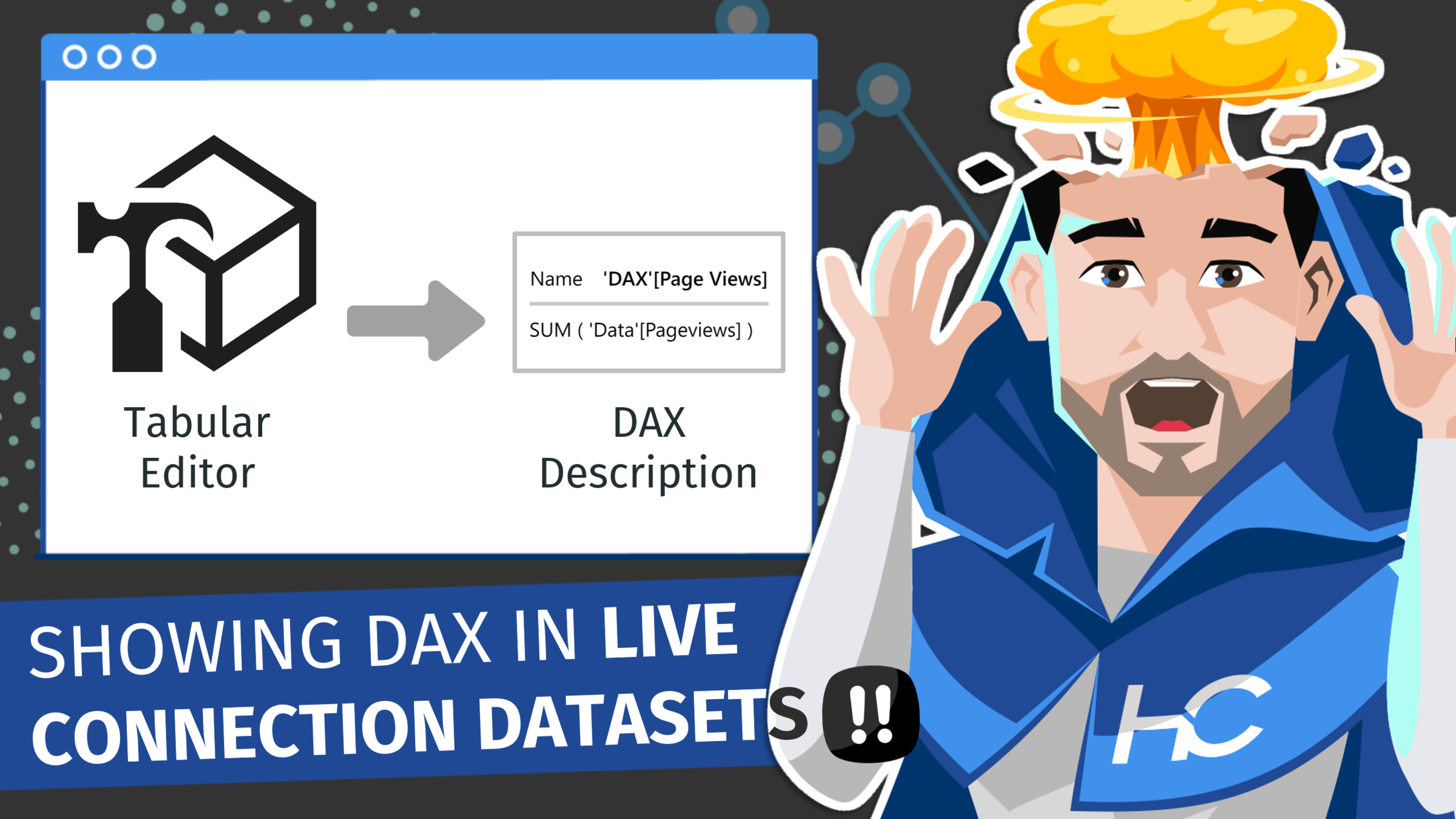
Showing DAX Expressions When Using Power BI Datasets (Live)
Video by: Reid Havens
Learn how to display DAX expressions in the description tooltip - when hovering over the measure in the fields list. This can be applied to all measures easily and effortlessly using Tabular Editor.
Related Content
External Tool - Tabular Editor
Code Snippet
foreach (var m in Model.AllMeasures) { m.Description = m.Expression; }