
Posts filed under DAX

One-Click Time Intelligence Measures with Tabular Editor Scripts!

Video by: Reid Havens

Learn how to leverage C# scripts in Tabular Editor 2 or 3 to create instant Time Intelligence DAX measures off any existing calculations already in your model. This is a huge time savor for applying common date pattern calculations instantly with just a couple clicks in Tabular Editor.

RELATED CONTENT 🔗

Format All Measures C# Tabular Editor
Benoit Fedit's TE Script
Bernat Agullo's TE Script
Download Report From The Blog Files Page

[DAX] Dynamic Format Strings WITHOUT Calculation Groups ?!?

Video by: Reid Havens

Learn how to add Dynamic Format Strings for individual [DAX] measures in Power BI! This technique doesn’t require calculation groups or Tabular Editor either, and can be done entirely inside of Power BI desktop.

Side note, if you aren’t using Tabular Editor as a model developer you should be. It’s a fantastic tool for any intermediate to advanced modeling scenarios, and the only way to add calculation groups (today).

RELATED CONTENT 🔗

Dynamic Format Strings in DAX
Kane Snyder’s Linkedin Post
Tabular Editor

Download Report From The Blog Files Page

Hiding Measures from [DAX] Intellisense!

Video by: Reid Havens

When creating datasets with build permissions (shared datasets), many of us know to hide fields from the data pane. But did you know you can also "hide" measures from the intellisense list in DAX? In this video learn how to use tabular to configure a table property to hide any measures inside of that table, from any DAX intellisense when writing measures. Further increasing usability when creating shared datasets in the Power BI service!

PLEASE NOTE this is not (officially supported) by Microsoft. But is a relatively safe setting to modify. Just be aware Microsoft doesn't provide support for this. More info below at the tabular editor link

RELATED CONTENT 🔗

Data Goblin Report Layer Article
Tabular Editor Private Setting

Download Report From The Blog Files Page
Posted on April 4, 2023 and filed under Data Modeling, DAX, Intermediate, External Tools.

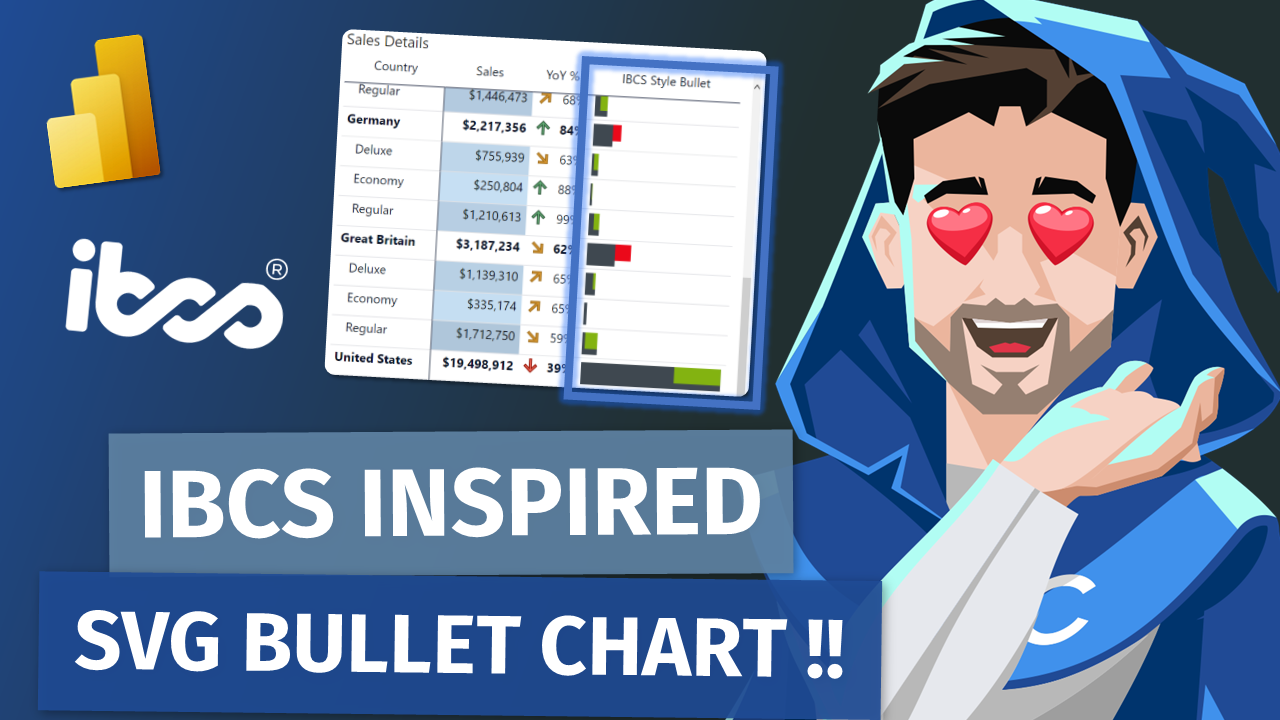
IBCS Styled Bullet Chart for Native Tables in Power BI!

Video by: Reid Havens

Learn how to utilize an SVG image template to add an IBCS (International Business Communication Standards) inspired bullet chart to your native matrix or table visuals in Power BI Desktop.

RELATED CONTENT 🔗

IBCS Bullet Chart
InfoRiver Matrix (IBCS Certified)

Download Report From The Blog Files Page
Posted on March 21, 2023 and filed under Intermediate, Visualizations, DAX.