
Posts tagged #Tabular Editor

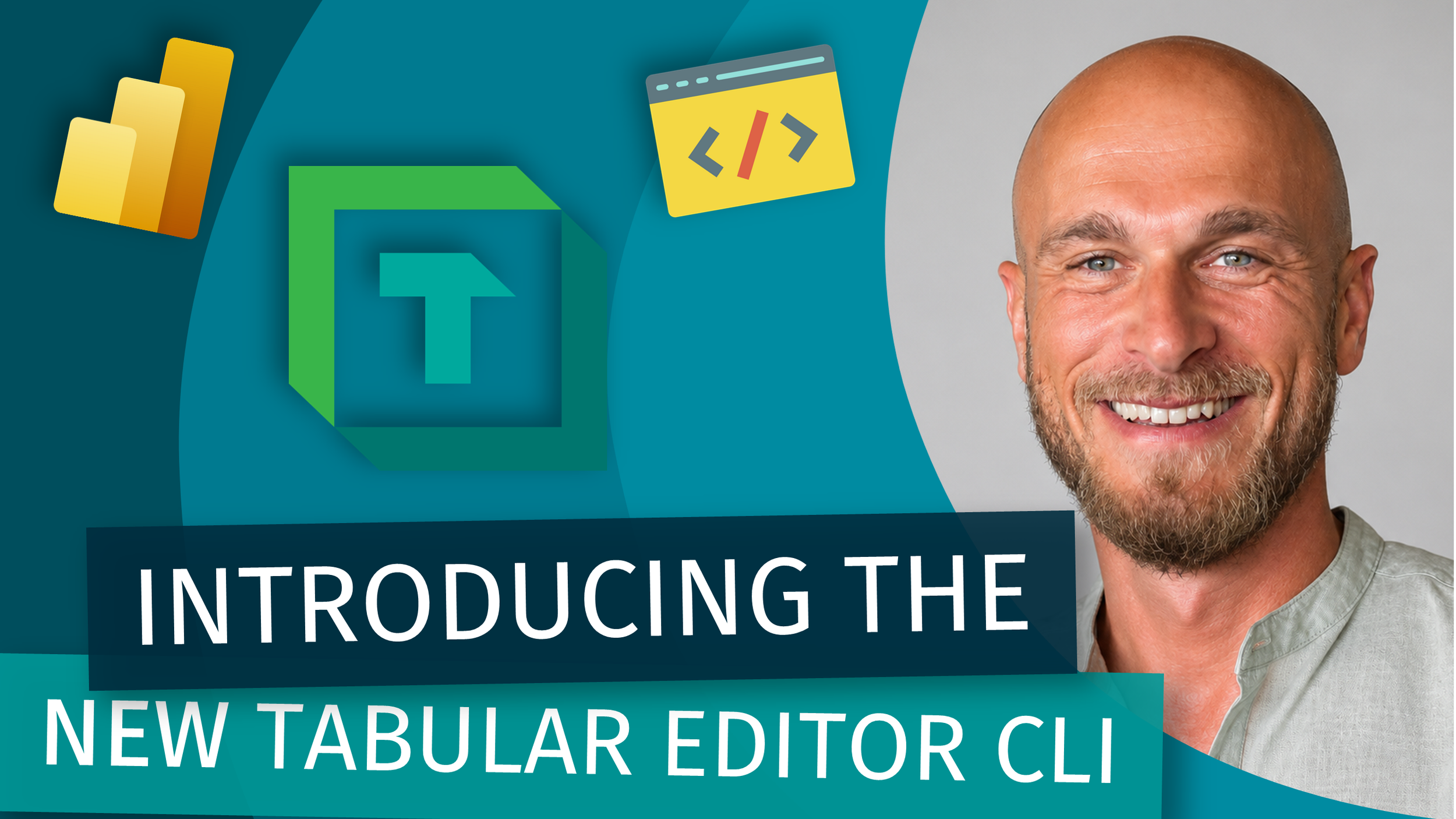
Introducing the NEW Tabular Editor CLI - with Peer Grønnerup

LIVESTREAM DATE/TIME 📅

May 29th 9:30 AM (Pacific Time)

DESCRIPTION 📄

Command line tools have a reputation problem. People hear "CLI" and either tune out or assume they need to be a DevOps engineer to get any value out of it. For most semantic model developers, that's been the story for years.

The new standalone Tabular Editor CLI changes that. You don't need to live in the terminal to automate validation, deployment, and testing across your tabular models. You just need a starting point.

In this livestream Peer will be walking through the new CLI from scratch: what it is, why it matters for Power BI and Fabric work, and how it fits into the rest of your workflow (AI agents included, if that's your flavor). We'll cover:

  • What the Tabular Editor CLI actually does

  • Local setup with zero prior CLI experience

  • Using AI agents to generate and run commands for you

  • Automating model validation, testing, and deployment

  • Wiring it into CI/CD without breaking everything No prior command line experience required.

If you've been CLI-curious but didn't know where to start, this one's for you.

GUEST BIO (Peer Grønnerup) 👤

Peer is a Data & AI professional with 15+ years of experience in BI, semantic modeling, and data platform automation. As Head of Engineering at Tabular Editor, he focuses on building tools and features that help teams create better data models faster, with a strong emphasis on automation, developer experience, and CI/CD, including leading the development of the new Tabular Editor CLI.

RELATED CONTENT 🔗

Peer's Blog
Peer's GitHub
TE CLI Release

Posted on May 18, 2026 and filed under Livestreams, Tools & Software, AI.

(Livestream Replay) AI Assistant for Tabular Editor - Andrzej Leszkiewicz

DESCRIPTION 📄

Discover how to enhance your Power BI workflow with Tabular Editor and the OpenAI API. This presentation demonstrates how, with a few simple C# scripts, you can directly access the OpenAI API from Tabular Editor to create a custom AI assistant with full access to your Power BI report’s data model—including tables, columns, relationships, measures, calculation groups, and more. Use this assistant to comment on DAX code, generate model documentation, write measures, and more, harnessing the full power of the latest OpenAI models—all without the need for Power BI Premium or Fabric capacity. An OpenAI API subscription is required, and Tabular Editor 3 is necessary.

GUEST BIO (Andrzej Leszkiewicz) 👤

Andrzej is a Power BI and data visualization developer and consultant, data explorer, explainer, and visualizer. He creates highly customized, interactive visualizations using the Vega visualization grammar and Deneb. Andrzej has introduced IBCS-styled data visualizations, embedded into Power BI's built-in Table, Matrix, and Card visuals. An IBCS® Certified Analyst, he is a passionate advocate of IBCS standards. With a background as an IT project manager and CIO in non-IT companies, Andrzej has been a full-time independent freelance Excel and VBA developer and consultant since 2011, focusing entirely on Power BI and data visualization since 2020. Through his YouTube channel, LinkedIn, and other social media, Andrzej shares his knowledge and passion for data visualization and related topics.

RELATED CONTENT 🔗

Tabular Editor
Open AI API
Andrzej's Youtube
Andrzej's LinkedIn
Andrzej's Blog
Andrzej's GitHub

Posted on November 15, 2024 and filed under Livestreams, External Tools, Data Modeling.

Five Tabular Editor 3 Hidden Tips for Power BI!

Video by: Reid Havens &

Join Morten Lønskov and I as he shows us five fantastic hidden gems/tips of Tabular Editor 3. Plus learn about the great (and FREE) course offered by the Tabular Editor team. Tune in to learn more!

GUEST BIO (Morten Lønskov) 👤

Morten is a Product Manager at Tabular Editor where he is focused on ensuring semantic model developers work more efficiently and effectively. He has previously experienced all aspects of creating data solutions as a consultant and in-house data architect with a special enthusiasm for enabling data teams to reach their outcomes through DevOps development practices and collaboration.

RELATED CONTENT 🔗

Tabular Editor Learn
Morton's LinkedIn

Posted on March 5, 2024 and filed under External Tools.

Power BI Semantic Model Best Practices (PIMP) Script!

Video by: Reid Havens

Learn how to run a series of scripts in Tabular Editor 2/3 to (PIMP) out your Power BI semantic model. Quickly and efficiently enhancing it's design, features, and other items! Tune in to learn more! GUEST BIO (Alexander Korn) 👤 Expert in Power BI and experienced business analyst with a demonstrated history of successfully implementing BI reporting solutions in various industries. Further skills: SSAS, IBCS, PBIRS, Excel, T-SQL, DAX, MDX, and PowerShell.

GUEST BIO 👤

Expert in Power BI and experienced business analyst with a demonstrated history of successfully implementing BI reporting solutions in various industries. Further skills: SSAS, IBCS, PBIRS, Excel, T-SQL, DAX, MDX, and PowerShell.

RELATED CONTENT 🔗

Link for the script
PBI Idea for “Write Operations for External Tools”
Alexander's Blog
Alexander's Employer
Alexander's LinkedIn