Posts tagged #AI

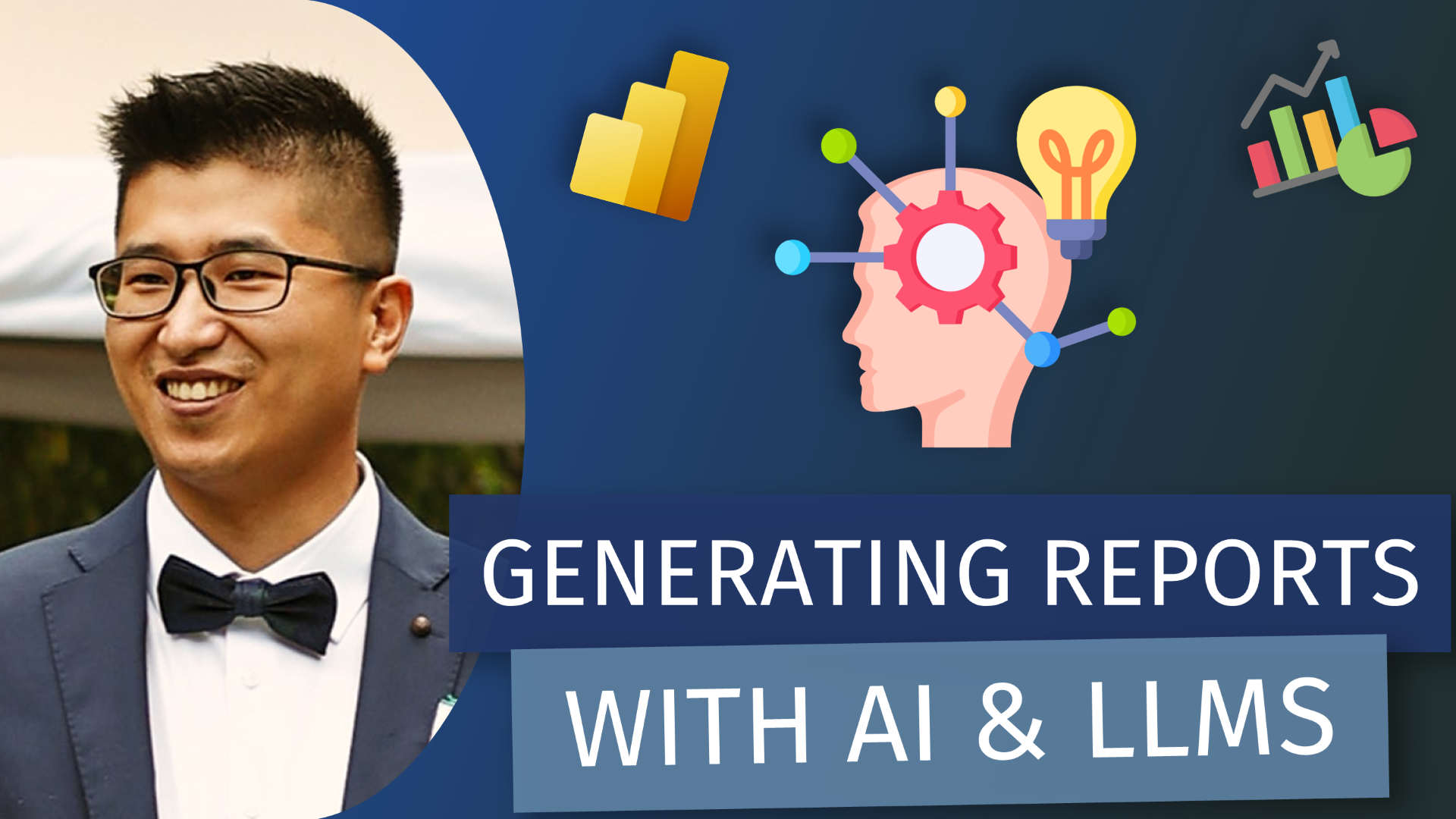
A Generated Report: How AI can make Dashboards - with Injae Park

LIVESTREAM DATE/TIME 📅

January 9th 2026 — 9:30AM (Pacific Time)

DESCRIPTION 📄

This session explores how AI can be applied to the creation and modification of Power BI visuals, focusing on the different levels at which AI tools can interact with reports and models. The session looks at emerging patterns in how AI is being used across the Power BI development lifecycle, and where each approach is most effective.

We Will Cover

  • Using web-based LLMs for fast iteration, ideation, and visual exploration

  • Using MCP-style setups to interact with and modify the semantic model

  • The trade-offs between speed, control, and reliability across these approaches

  • How to choose the right level of AI involvement for different scenarios

This will be a discussion of a few examples of how the technology is moving at a rapid pace, and how that will affect and enable Power BI Developers

GUEST BIO 👤

Injae Park is a Microsoft Data Platform MVP who combines his technical expertise with a passion for teaching by sharing his insights and practical tips through his YouTube channel @PowerBIPark. Injae's content ranges from beginner tutorials to advanced techniques, and as part of the Power BI Core Visual Representatives - he aims to bridge the MS Developer team with the Power BI community. His education in psychology and economics as well as his experience in consulting gives him a well-rounded perspective on the Power BI Developer experience, making his tutorials both engaging and accessible.

RELATED CONTENT 🔗

Injae's Website
Injae's LinkedIn
Injae's YouTube

Livestream Link
Posted on January 5, 2026 and filed under Livestreams, AI, Chat GPT, Reporting.

(Livestream Replay) Demystifying Copilot in Microsoft Fabric - with Kerry Kolosko & Kurt Buhler

DESCRIPTION 📄

Are you curious about Copilot in Microsoft Fabric but unsure where to start? Join us for an in-depth livestream with Reid Havens, Kerry Kolosko, and Kurt Buhler, as we demystify Copilot and dive into what it can (and can’t) do for you.

In this session, we’ll cover:

  • The different types of Copilot in Fabric and how they work

  • Key features, limitations, and practical use cases for both small businesses and large enterprises

  • Honest discussions on whether Copilot’s cost is justified and how it fits into Microsoft’s vision for Fabric We’ll also touch on challenges like missing functionalities in Fabric, the steep learning curve, and whether Copilot is a distraction or a game-changer for organizations. Expect real talk, practical advice, and insights into what the future might hold.

This is a must-watch for data professionals, tech leaders, and anyone curious about AI-driven tools in Microsoft Fabric. Stick around for the live Q&A—bring your toughest questions!

GUEST BIO (Kerry Kolosko)👤

Kerry Kolosko is a data visualization consultant hailing from Adelaide, South Australia. With several years experience in a variety of roles across a diverse range of industries, along with a background in psychology and a passion for the arts, Kerry brings a considered and creative edge to BI and data visualization. Also a Microsoft Data Platform MVP and an avid blogger, she shares her designs and design tips at her website (link below).

GUEST BIO (Kurt Buhler)👤

Kurt Buhler is a Power BI data goblin, speaker, and consultant. Kurt discovered his passion for working with & analyzing data during his doctoral research in Biomedical Sciences. Since then, he has worked as a consultant and bridge-builder between IT & Business in organizations to derive value from their data using actionable visuals and solutions. He advocates a design-thinking, user-centric approach to data projects to ensure solutions meet business needs and improve effectiveness. He's a lover of cats, tabletop roleplaying games, and all things Power BI & data related.

RELATED CONTENT 🔗

Kerry’s Website
Buy Kerry a Coffee
Kurt’s Website/Blog
Kurt’s LinkedIn

Posted on February 21, 2025 and filed under Livestreams, Copilot, Fabric.

(Livestream Replay) AI Assistant for Tabular Editor - Andrzej Leszkiewicz

DESCRIPTION 📄

Discover how to enhance your Power BI workflow with Tabular Editor and the OpenAI API. This presentation demonstrates how, with a few simple C# scripts, you can directly access the OpenAI API from Tabular Editor to create a custom AI assistant with full access to your Power BI report’s data model—including tables, columns, relationships, measures, calculation groups, and more. Use this assistant to comment on DAX code, generate model documentation, write measures, and more, harnessing the full power of the latest OpenAI models—all without the need for Power BI Premium or Fabric capacity. An OpenAI API subscription is required, and Tabular Editor 3 is necessary.

GUEST BIO (Andrzej Leszkiewicz) 👤

Andrzej is a Power BI and data visualization developer and consultant, data explorer, explainer, and visualizer. He creates highly customized, interactive visualizations using the Vega visualization grammar and Deneb. Andrzej has introduced IBCS-styled data visualizations, embedded into Power BI's built-in Table, Matrix, and Card visuals. An IBCS® Certified Analyst, he is a passionate advocate of IBCS standards. With a background as an IT project manager and CIO in non-IT companies, Andrzej has been a full-time independent freelance Excel and VBA developer and consultant since 2011, focusing entirely on Power BI and data visualization since 2020. Through his YouTube channel, LinkedIn, and other social media, Andrzej shares his knowledge and passion for data visualization and related topics.

RELATED CONTENT 🔗

Tabular Editor
Open AI API
Andrzej's Youtube
Andrzej's LinkedIn
Andrzej's Blog
Andrzej's GitHub

Posted on November 15, 2024 and filed under Livestreams, External Tools, Data Modeling.

(Livestream Replay) Generative AI: Concepts, Tools, and Applications for Data Professionals - with Buck Woody

DESCRIPTION 📄

Generative AI is a branch of artificial intelligence that can create new data or content by learning from existing content. It has applications in various domains such as text, image, audio, video, and code generation. In this session, you will learn how generative AI works, its limitations, the main tools and processes you can use, and where you can use it to enhance your data estate and data projects. You will also explore examples of how generative AI can help you with code generation, debugging, and optimization tasks. You will examine a complete solution using SQL SErver Machine Learning Services and Azure OpenAI integration. This session is suitable for data professionals who have some familiarity with machine learning and want to learn more about the potential and effective uses of generative AI.

GUEST BIO 👤

Buck Woody is an Applied Data Scientist working on the Azure Data Services team at Microsoft, and uses data and technology to solve business and science problems. With over 39 years of professional and practical experience in computer technology, he is also a popular speaker at conferences around the world; author of over 700 articles and nine books on databases, machine learning, and R, he also sits on various Data Science Boards at two US Universities and specializes in advanced data analysis techniques. He is passionate about mentoring and growing the next generation of data professionals.

RELATED CONTENT 🔗

Buck's LinkedIn

Posted on April 26, 2024 and filed under Livestreams, Fabric, Microsoft 365.